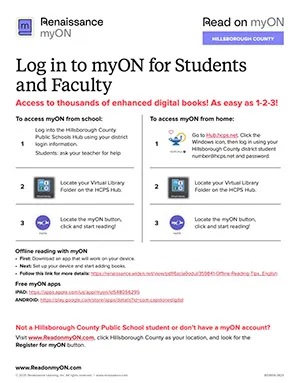
- Go to https://hub.hcps.net
- Click the Windows icon
- Log in with your [email protected] and district password
- Open the Virtual Library
- Locate the Virtual Library folder in the HCPS Hub
- Start Reading
- Click the myON icon and begin exploring books

Read on myON
Family Resources
Tips and best practices developed in collaboration with our partners encourage children to read.
What is myON?
myON gives students the freedom to choose what they want to read in a digital space they’re comfortable using. With access to thousands of engaging books, myON helps students build confidence, stay motivated, and take ownership of their reading growth.
Accessing myON from Home (Public & Charter School Students)
If your student does not know their district password:
Visit help.classlink.com on steps for resetting your password.
Free Access for Hillsborough County Families
Children from birth through 8th grade who live in Hillsborough County—but are not enrolled in a Hillsborough County Public or Charter School—can sign up for a FREE myON account.
Click the Register button below to get started. Step-by-step instructions are included.
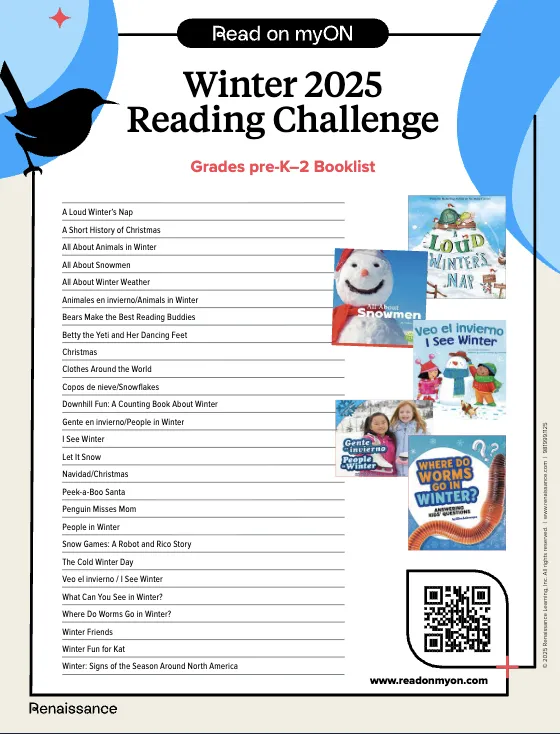
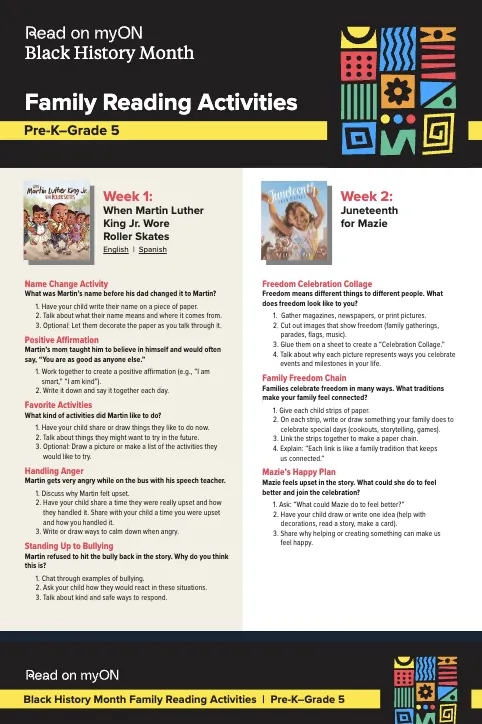
Reading Challenges & Activities
Resource
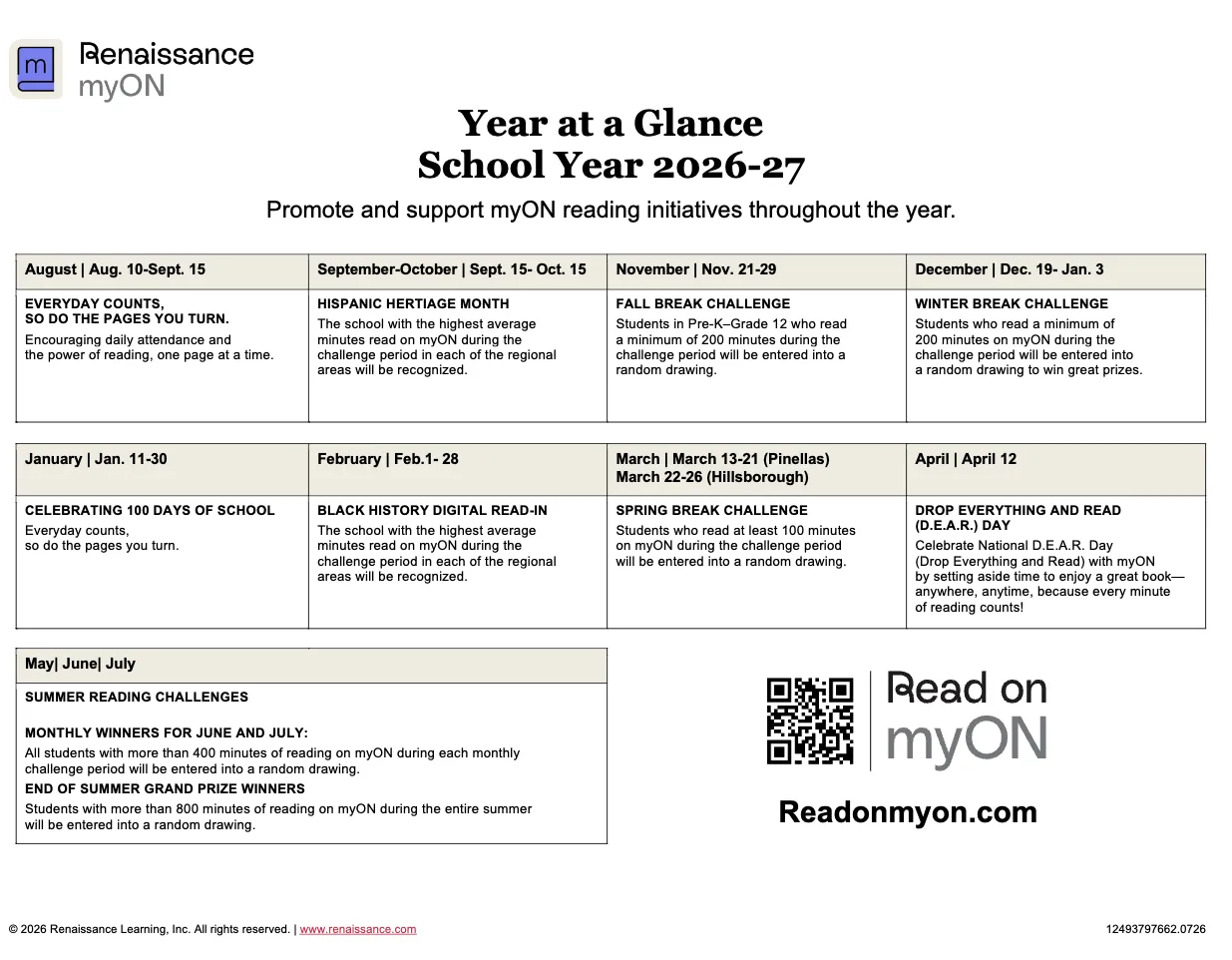
Year at a Glance Calendar
Promote and support myON reading initiatives throughout the year.
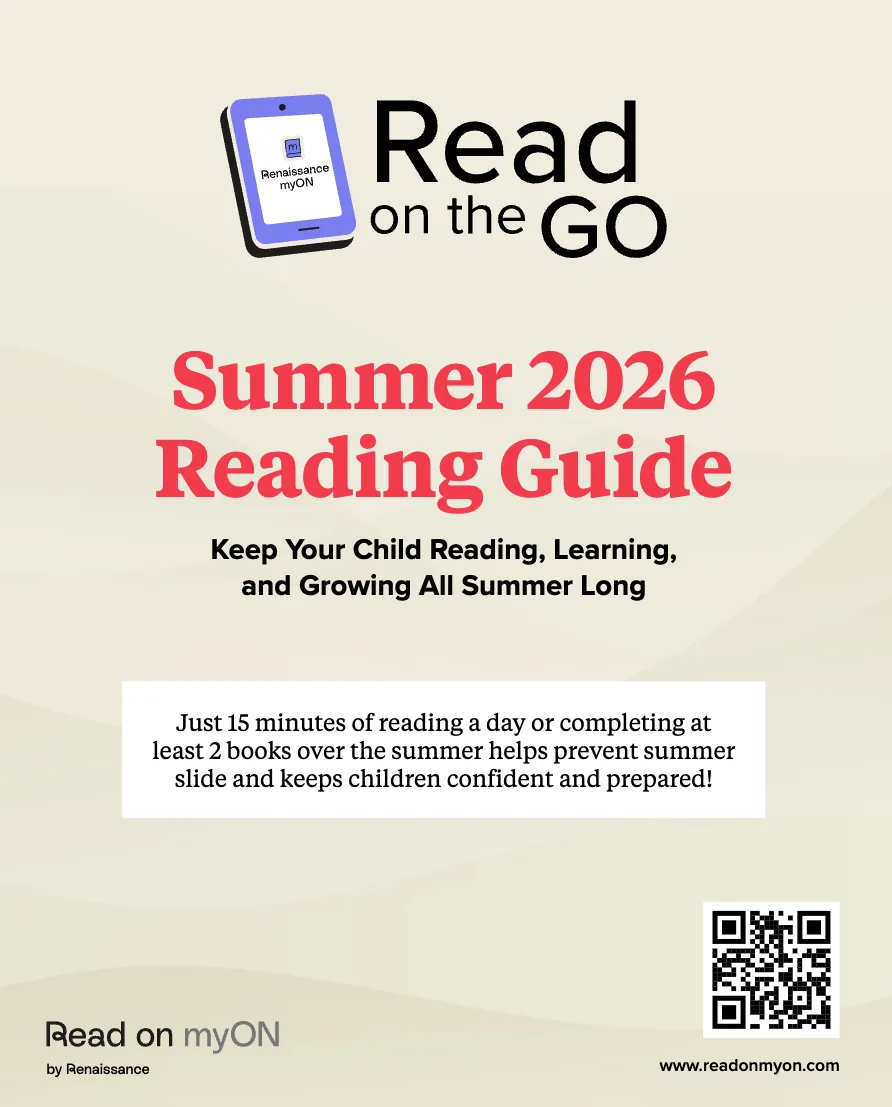
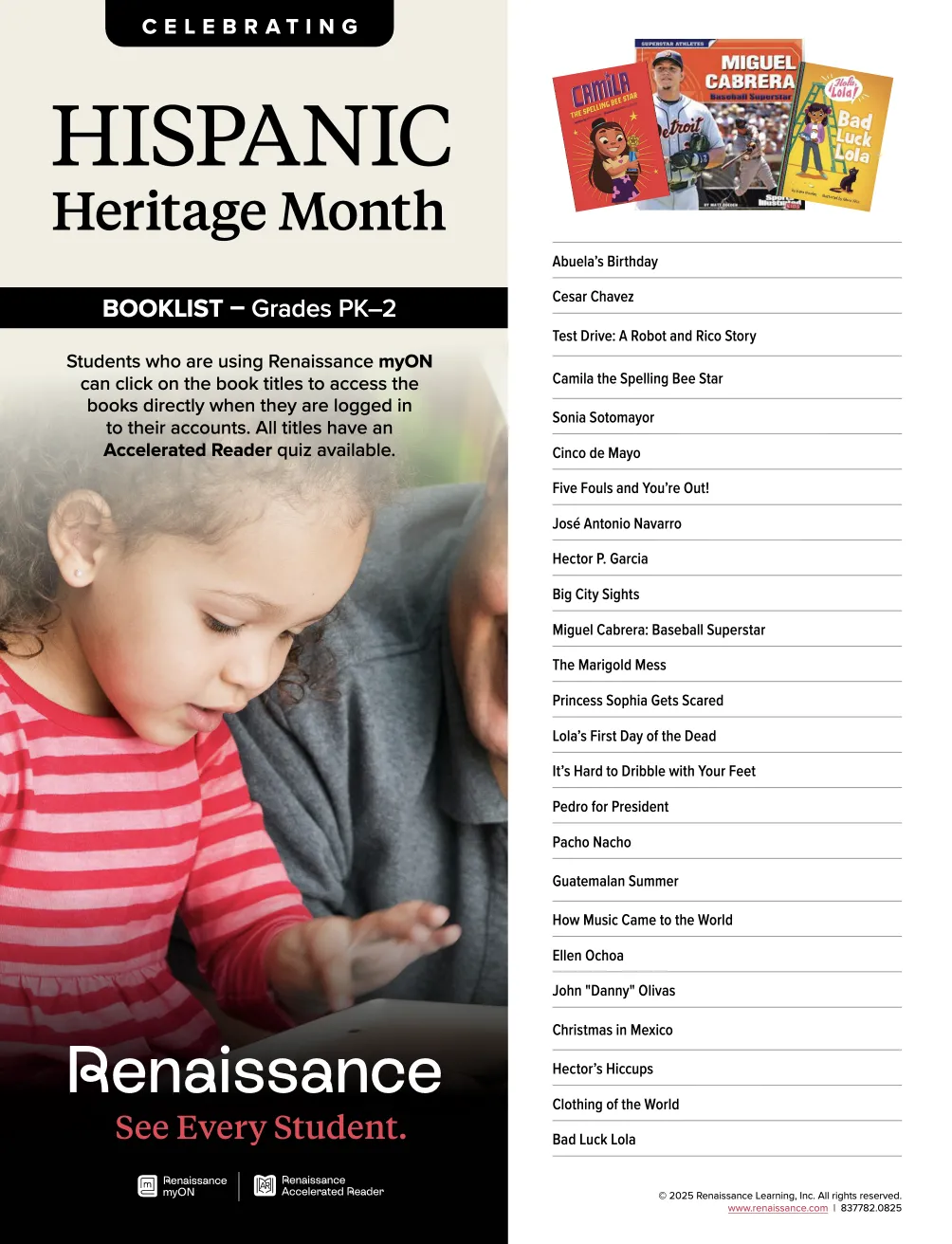
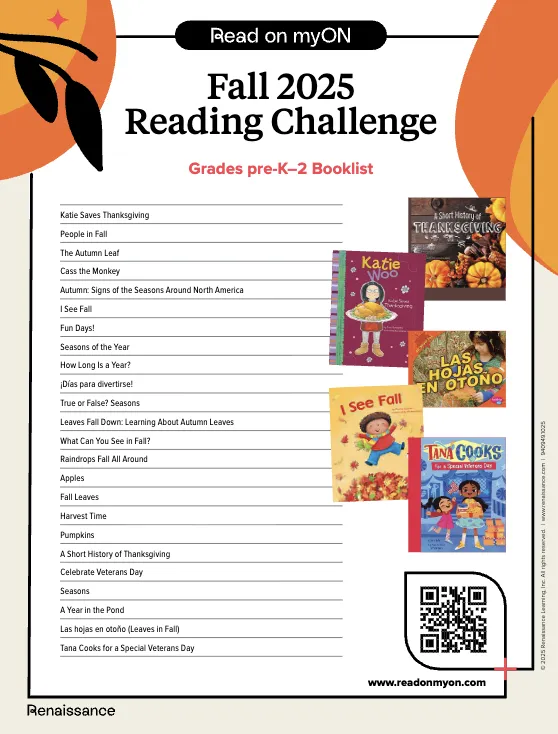
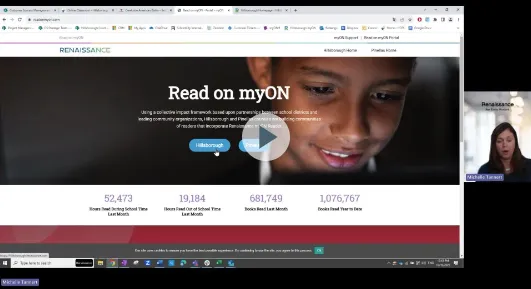
Help and Support
Website resource
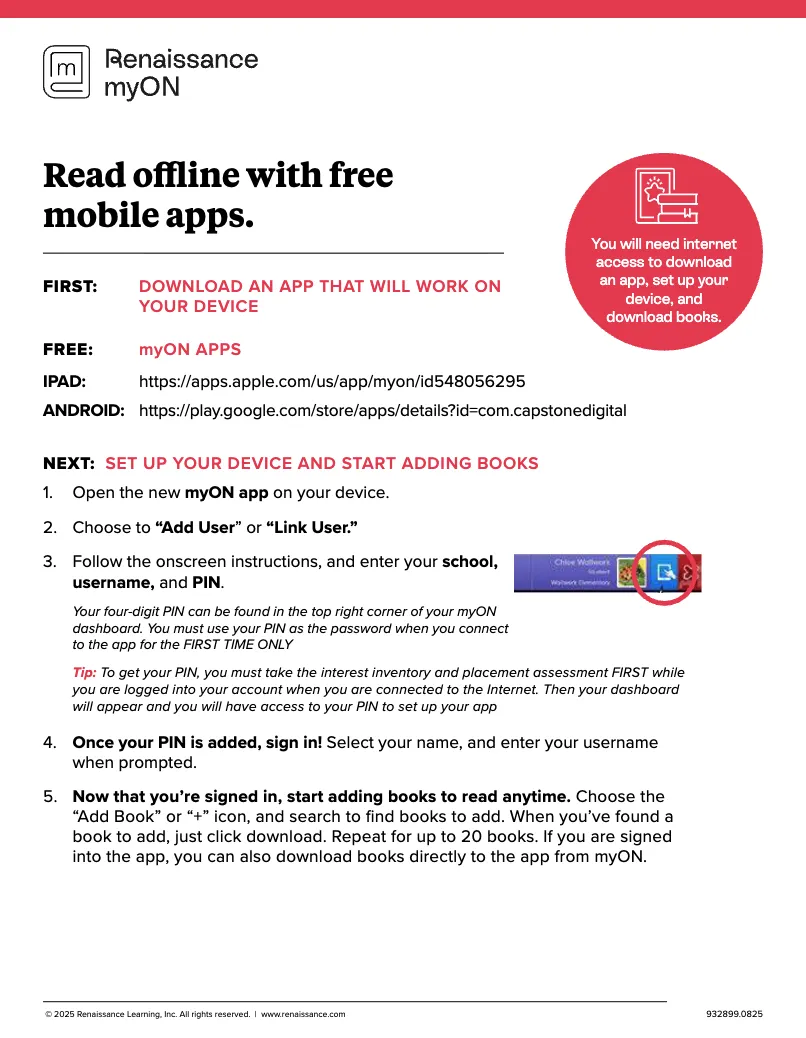
Using myON at home
Guides, video tutorials, and tips to help students and families get reading on myON.
Website resource
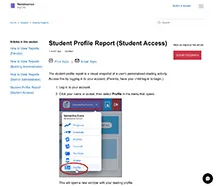
Student Profile Report (Student Access)
The student profile report is a visual snapshot of a user’s personalized reading activity. Access this by logging in to your account. (Parents, have your child log in to begin.)
Website resource
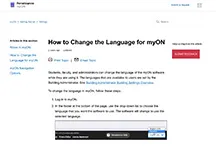
How to change the language in myON
Students, faculty, and administrators can change the language of the myON software while they are using it.
Hillsborough has licensed the following myON collections to support student learning
Core collection (Pre-K–Grade 12)
Partner Publisher Collections
- Abrams: Elementary
- Abrams: Middle School
- Candlewick: Grade 3–7
- Cantata Learning
- DK Readers
- Saddleback ELL/Newcomers
- Saddleback TERL (Teen Emergent Reading Library)
myON family reading tips
English
-
Volume 1–English
What is myON Reader? Here are some answers!
-
Volume 2–English
Digital Books are Real!
-
Volume 3–English
Reading routines for babies.
-
Volume 4–English
Choosing books for babies.
-
Volume 5–English
Getting Ready to Start School!
Español
-
Volumen 1–Español
Consejos de lectura mensuales para familias.
-
Volumen 2–Español
¡Los libros digitales son reales!
-
Volumen 3–Español
Rutinas de lectura para bebes.
-
Volumen 4–Español
Cómo elegir libros para bebés.
-
Volumen 5–Español
¡Preparándonos para empezar la escuela!
More resources

Community
Resources to help students and families build unique literacy experiences that foster confidence and growth.

Faculty
Educators and program leaders have the tools, resources and strategies to bolster literacy and learning for all.

Videos
See how myON gives every student an opportunity to engage in personalized reading experiences all year long.